 OneVault
A place for your life admin
The details of life,
together.
Insurance renewals. Medicine refills. The document you need to find again. OneVault keeps your records, dates, and notes together, shows what needs your attention, and holds the history as you get things done.
Available now on the App Store · iPhone & iPad · iOS 18+
 Actual OneVault App Store screenshots
01 / WHAT NEEDS YOU
Know what’s
coming up.
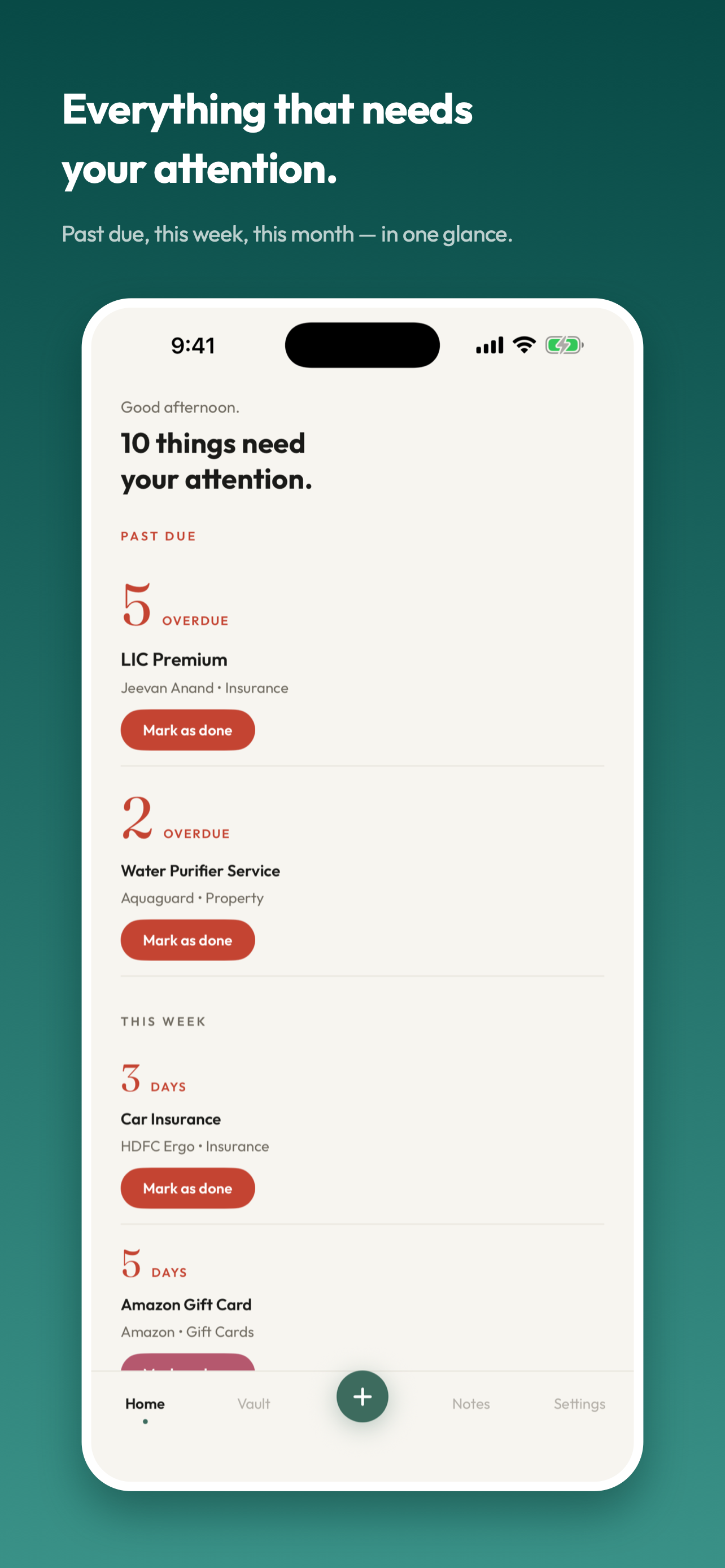
Past due comes first. Then this week, this month, and later. Insurance renewals, medicine refills, gift card expiry, the car service: see what needs you without searching through everything else.
02 / THE DETAILS, TOGETHER
A place for
the whole record.
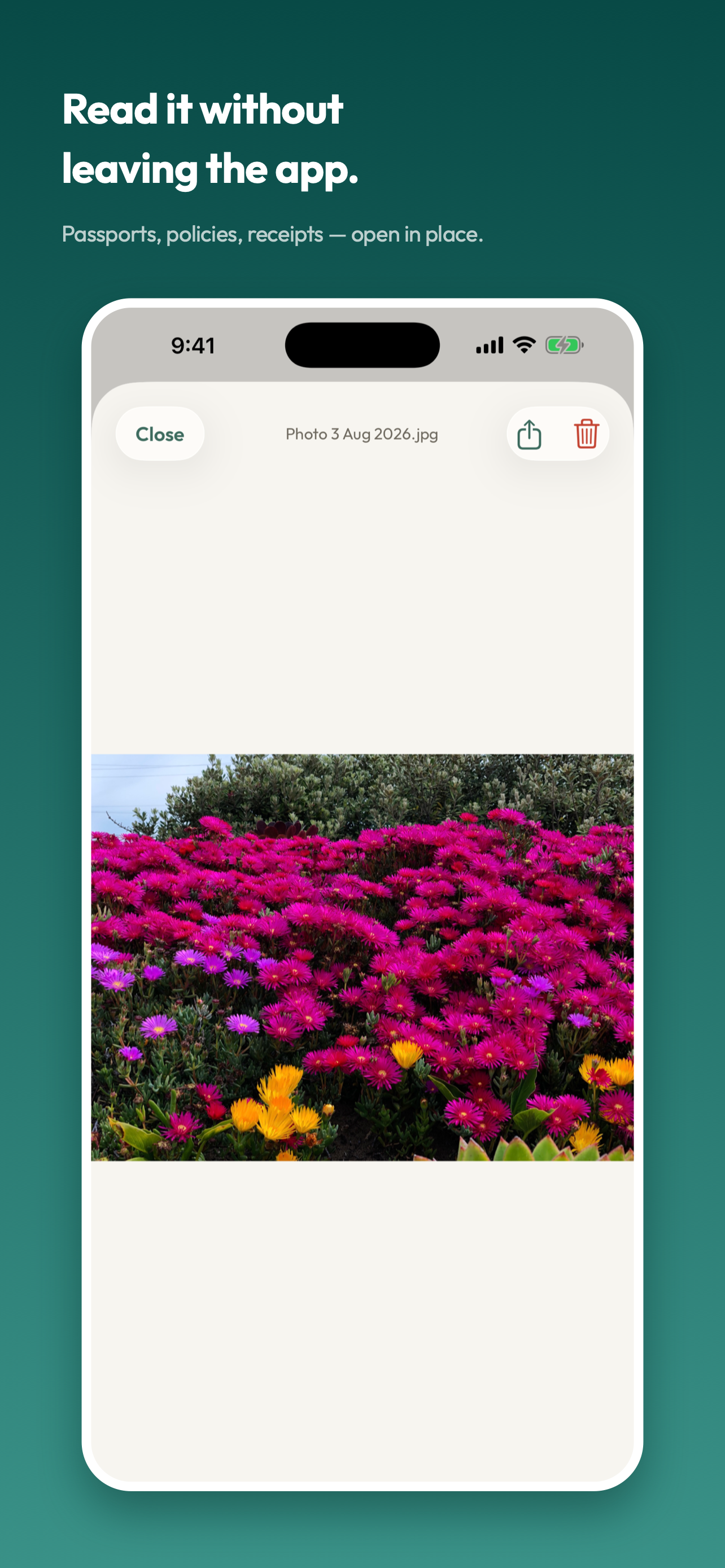
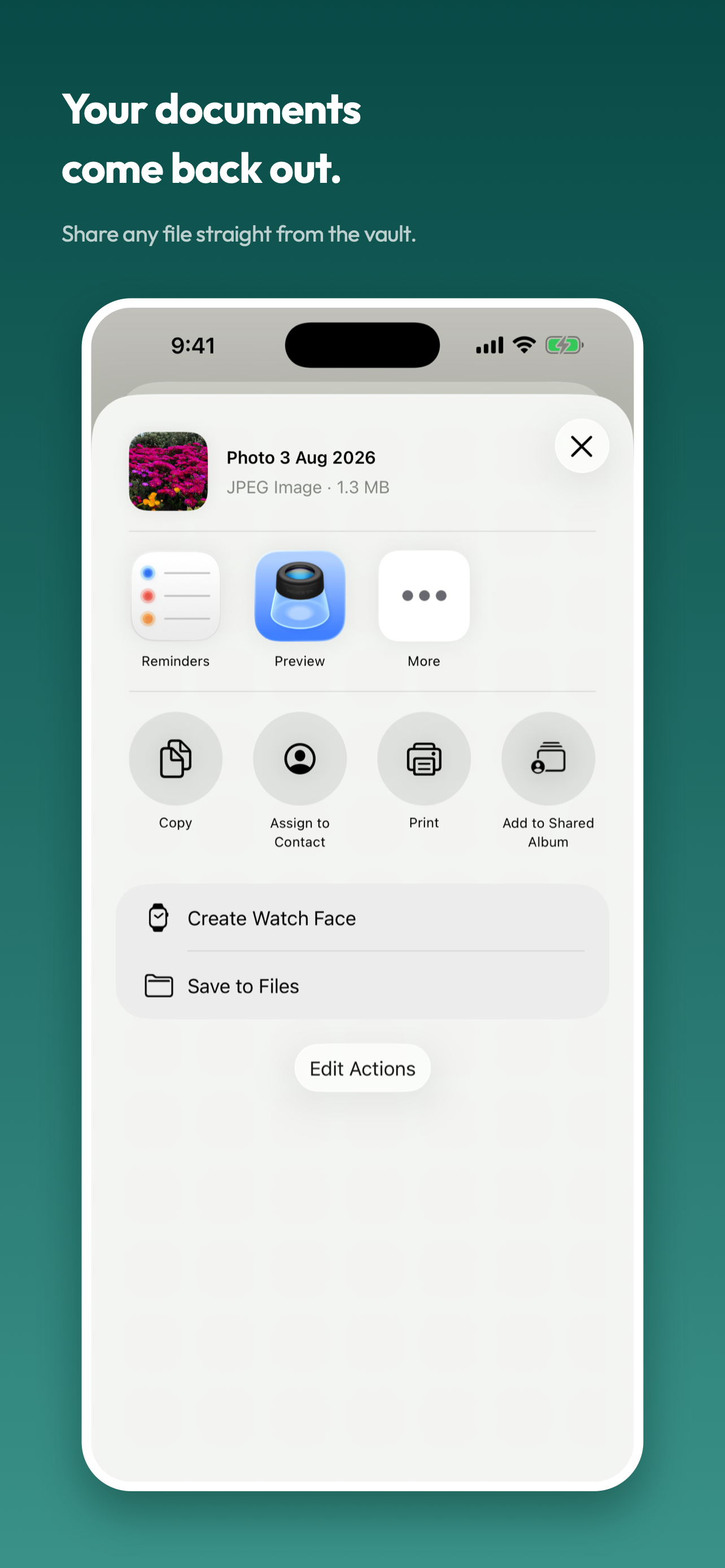
Attach photos and PDFs to an item, note, or history entry. Open them in the app, or send them on with the share sheet. Keep reference information in Notes when there is no date to remember.
03 / A HISTORY THAT STAYS
Keep the history.
Move the date.
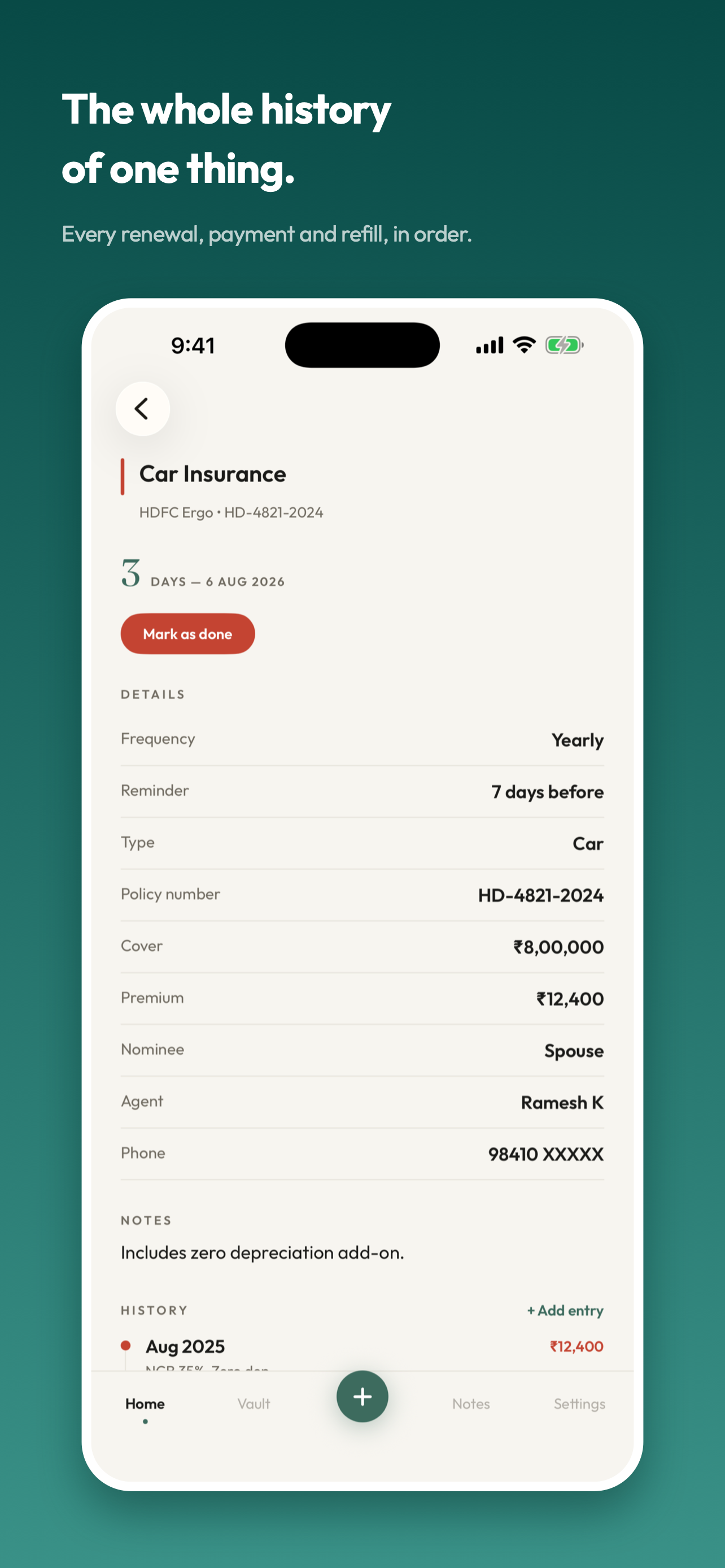
Mark a renewal done and record its amount, note, or receipt. The reminder moves forward one cycle, while the history stays with the item. Find the record when you need it next year.
A closer look
See it for yourself.
The same screenshots you’ll find on the App Store.
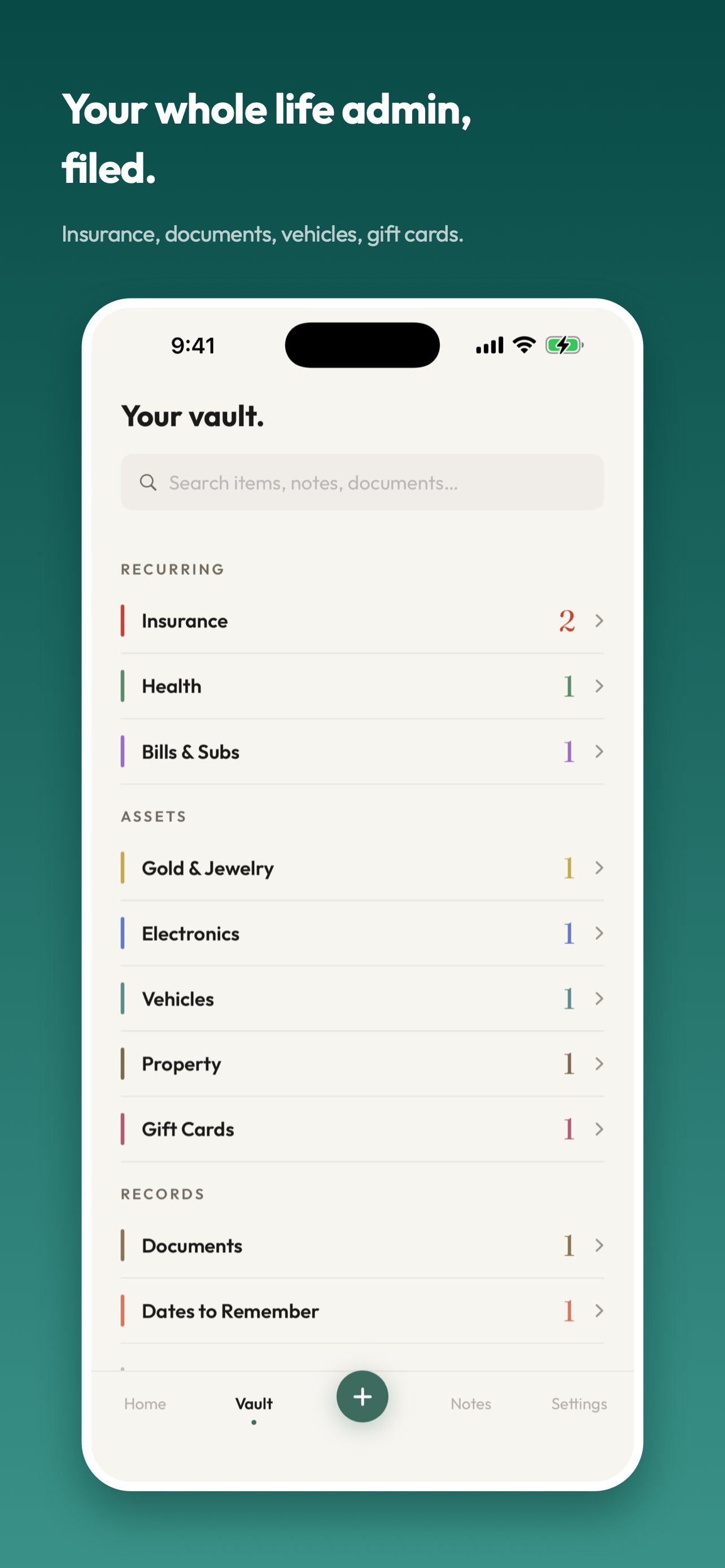
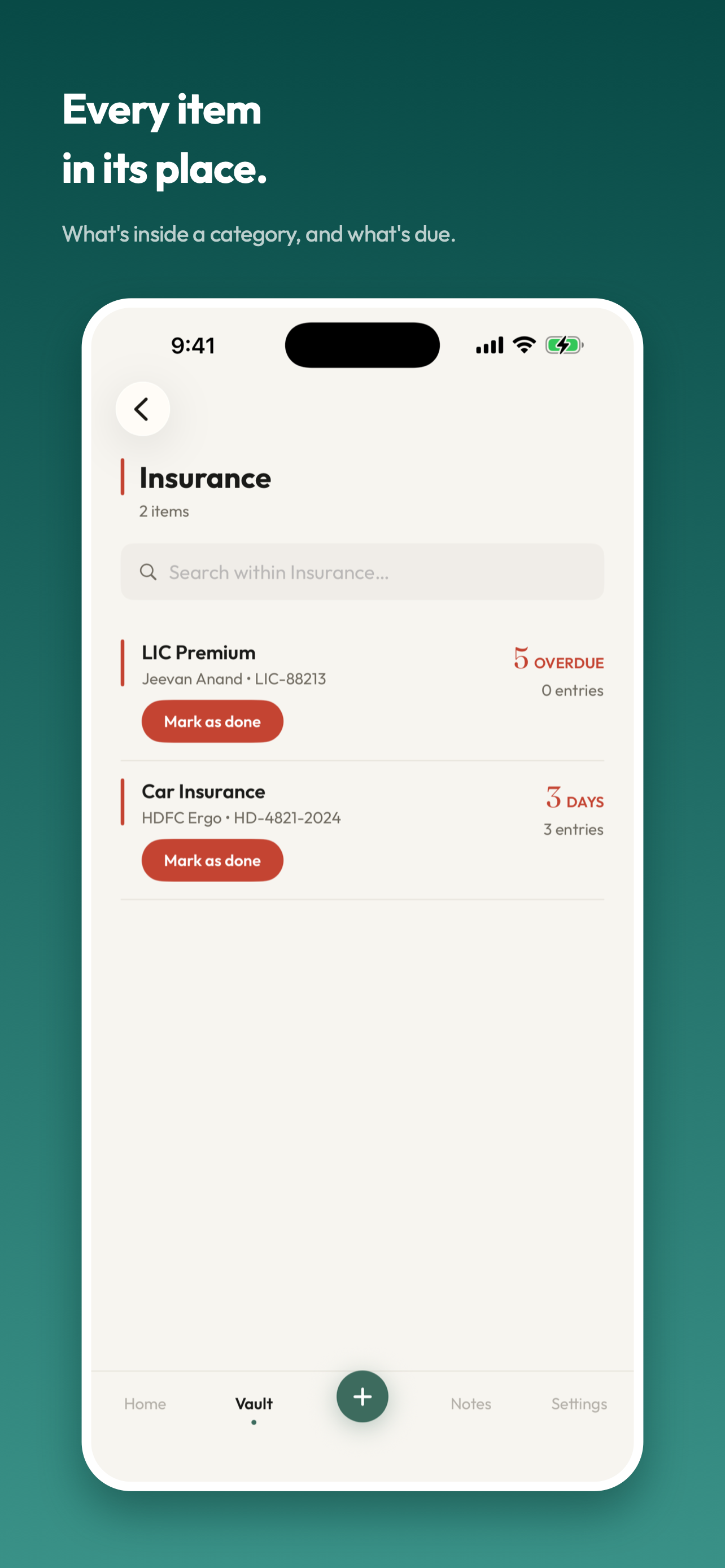
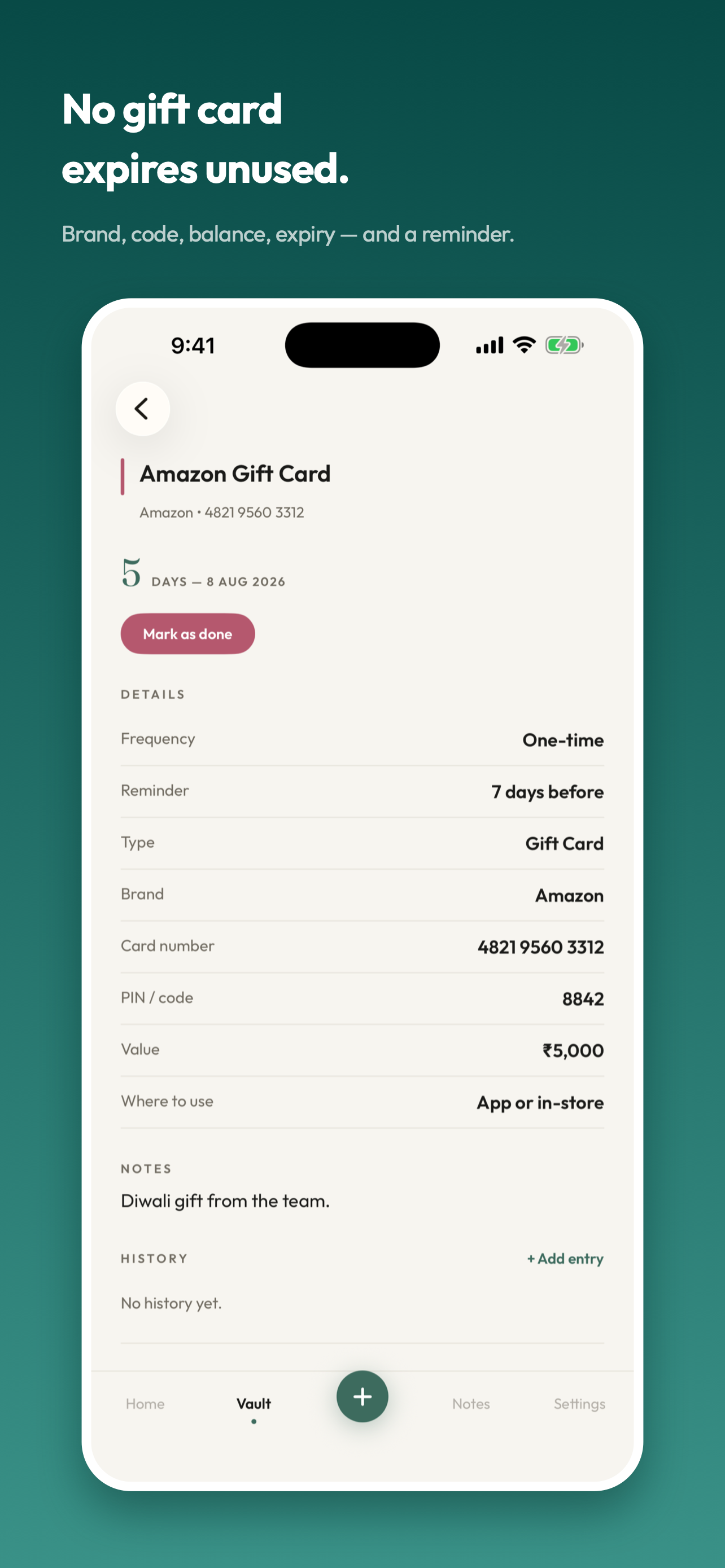
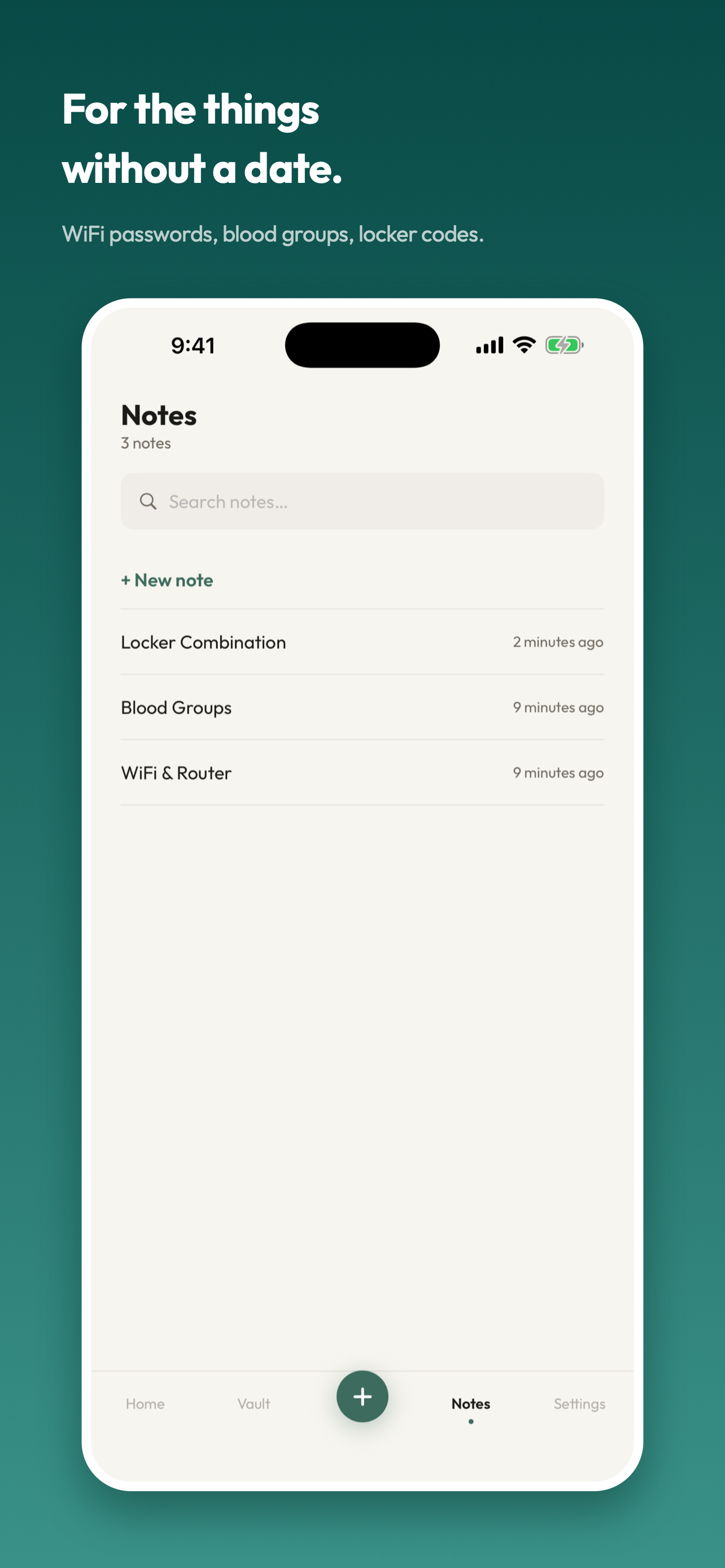
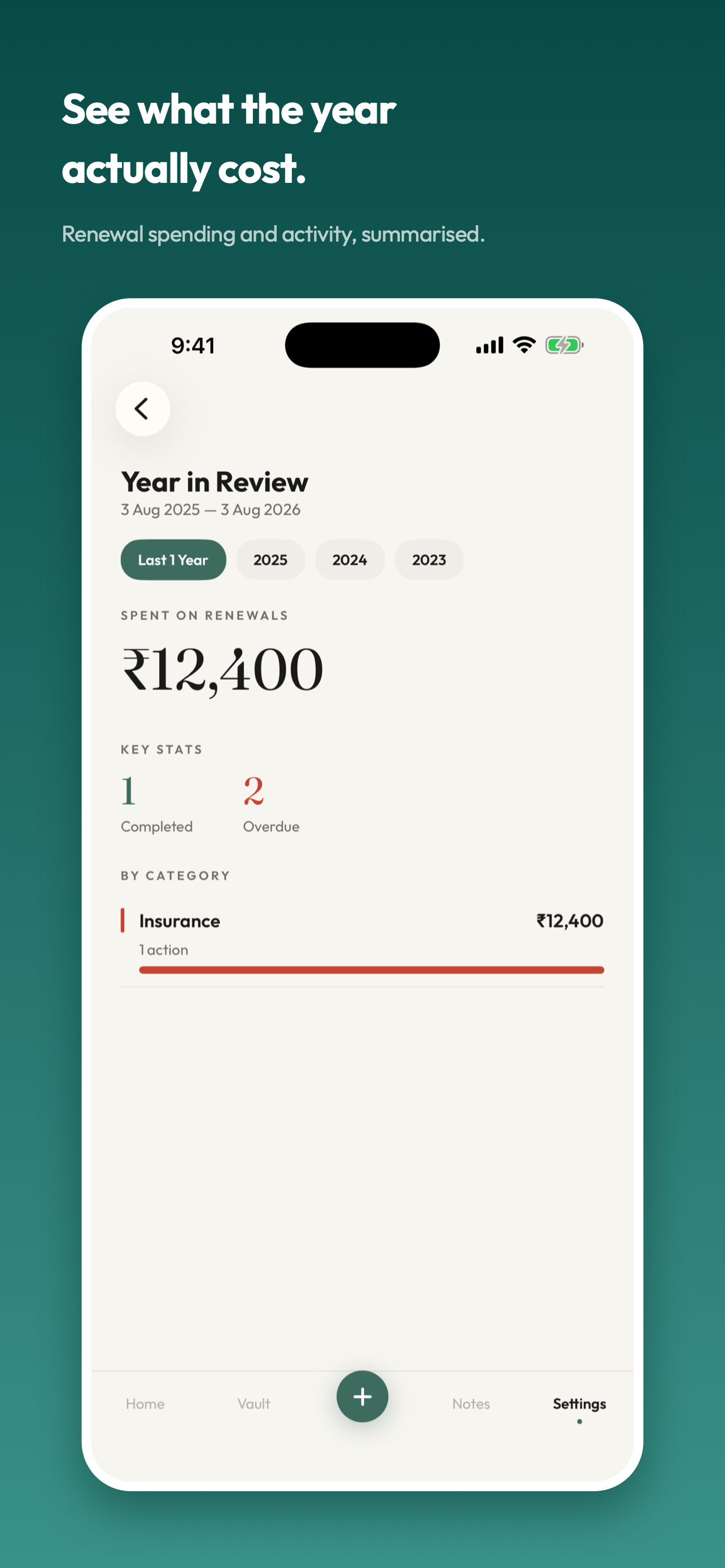
Scroll to explore. Select a screenshot to see it full size.
No subscription
Thirty days.
Everything working.
Try everything free for 30 days. After that, a one-time purchase unlocks adding new items, categories, and notes. Everything you already added keeps working: editing, reminders, attachments, history, and more. Nothing is hidden or deleted when the trial ends.
Local App Store pricing may differ. See the price in your region.
A few useful answers
Before you
get started.
What happens after the 30-day trial?
Only creating new items, categories, and notes requires the one-time purchase. Existing records remain fully usable, including editing, marking done, history, attachments, reminders, search, archive, restore, and delete.
Where does my information live?
On your device and, if iCloud is enabled, in your own private iCloud database. There is no separate OneVault account, no analytics, and no access to your records from the developer.
Can I get my documents back out?
Yes. Open an attached document and use the share sheet to save it to Files, send it through Mail or AirDrop, or print it. This shares individual attachments; it is not a full vault export.
Why is an item still overdue after I mark it done?
Each completion moves the date forward by exactly one cycle. If an item is two cycles behind, it will still be overdue after the first completion. Each tap keeps a separate history entry.
OneVault is on the App Store
A little less
to keep in mind.
Your documents, renewals, and dates in one place. Try OneVault free for 30 days.

Scan to open the App Store on your phone.